Gamified learning & development | B2B SaaS
Design system | 0 to 1
Challenge 🎯
The product lacked a cohesive design, leading to inconsistencies in the UI and more time spent in UI creation.
Goal 📔
Mitigate inconsistencies and streamline the process in UI design and development.
Results 💹
A design system with standard guidelines, components, patterns, and layouts that achieved consistent UI and facilitated rapid prototyping.

Let's dive in
Overview ⭕️
1Huddle
1Huddle is a coaching and development platform that uses quick-burst mobile games to more quickly and effectively educate, elevate, and energize your workforce — from frontline to full-time, in the United States.
My role
· Led end to end design from scratch
· UX research
· Planning
· Documentation
· Creation
· Stakeholder engagement
Deliverables
Component library, Style guide, Documentation
Timeline
10 weeks
NDA
In compliance with NDA agreements, I have shared only the process.
Team
Collaborated with the design, CTO, and dev teams.
About users 👨👩👧👦
Two primary users were identified for this design system:
Maya
Role: UI/UX designer
Constantly recreating similar design elements for different features, struggling to maintain visual coherence across designs, tight deadlines making high-quality delivery challenging.
Miscommunication with developers during reviews, limited ability to scale work or focus on creative problem-solving.
Shiva
Role: Frontend developer
Writing similar code for common functionalities from scratch with each new feature, maintaining consistency across the codebase without a standardized library.
Tight deadlines made worse by starting from zero each time, and a growing maintenance burden over time.
Competitor audit 🔍
Researched publicly available design systems and blogs to understand how others have approached this
Including Material Design,
Goldman Sachs Design System, and Ant Design
Alongside blog resources on typography guidelines, grid systems, and component documentation best practices.
Planning 👉
The first challenge was deciding what to include in the design system and where to start. Built a phased timeline covering:
Phase 1 (Discovery & Documentation)
Typography, Color palette, Icon library, Image library, Logo library, Motion library, Grid and spacing — with a documentation milestone at the end.
Phase 2 (Build)
Components, Grid and spacing refinement, Icon library, Component library, Patterns, How-to-setup guide.
Phase 3 (Review & Handoff)
Coordination, Screen size coverage, Internal review, Internal usability testing, Logo library, Image library, Motion.
Identification & documentation 🔍📄
The foundation of the design system is documentation — it captures every small detail, use case, and discrepancy in the existing product.
For each component, a spreadsheet was created tracking: component name, location in the product, variants, elements (container, label, icon), comments, special variants, and inconsistencies found.
This was a tedious process of identifying, organizing, and categorizing each element of the existing product for easy reference.
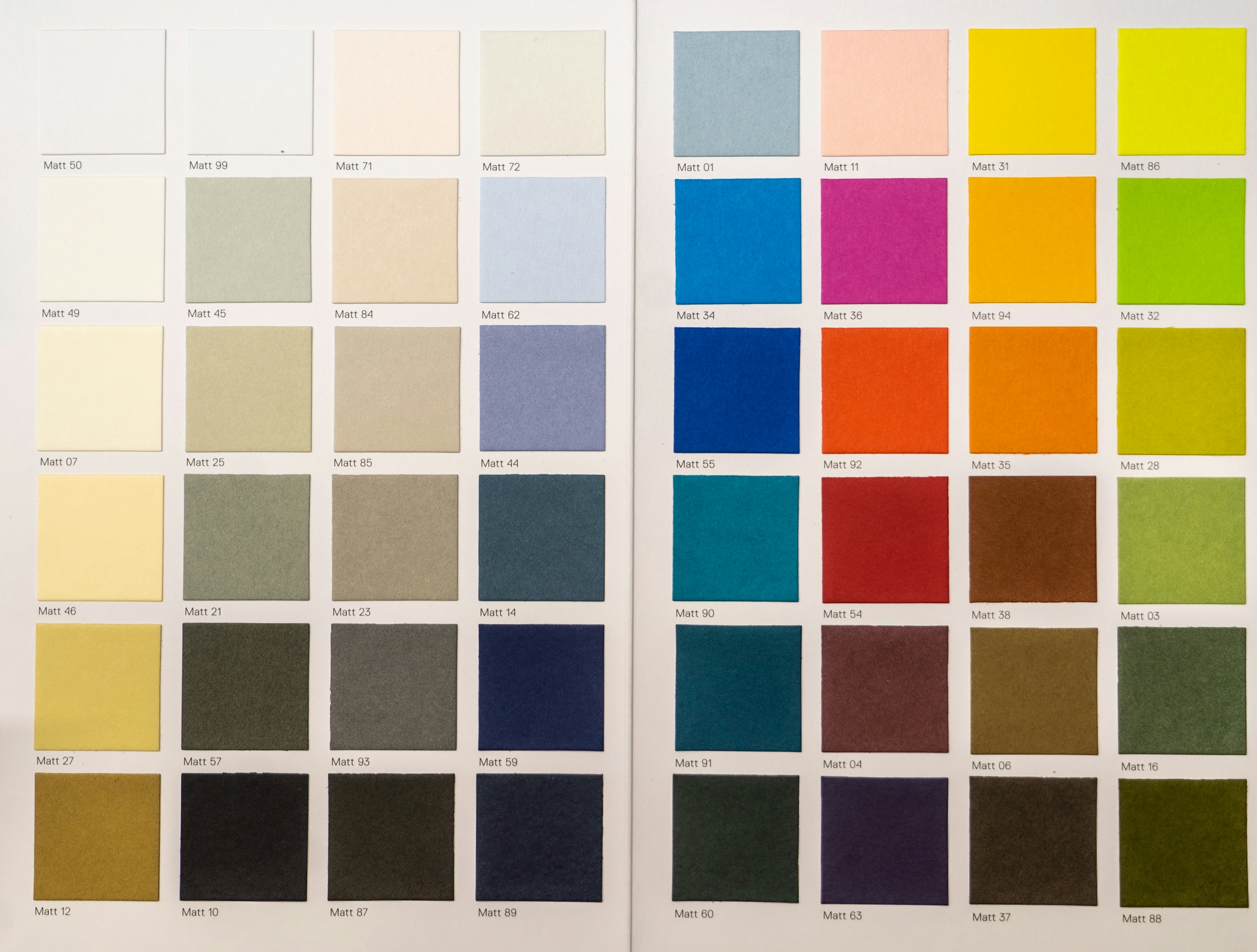
Color palette creation 🌈
Defined a structured color palette with primary, secondary, and tertiary colors. Each color was given a unique name used consistently across design and development.
Every color entry includes a hex code, RGB value, and use case.
Colors were then tested across the most important screens to validate usability and contrast.
Typography ␃
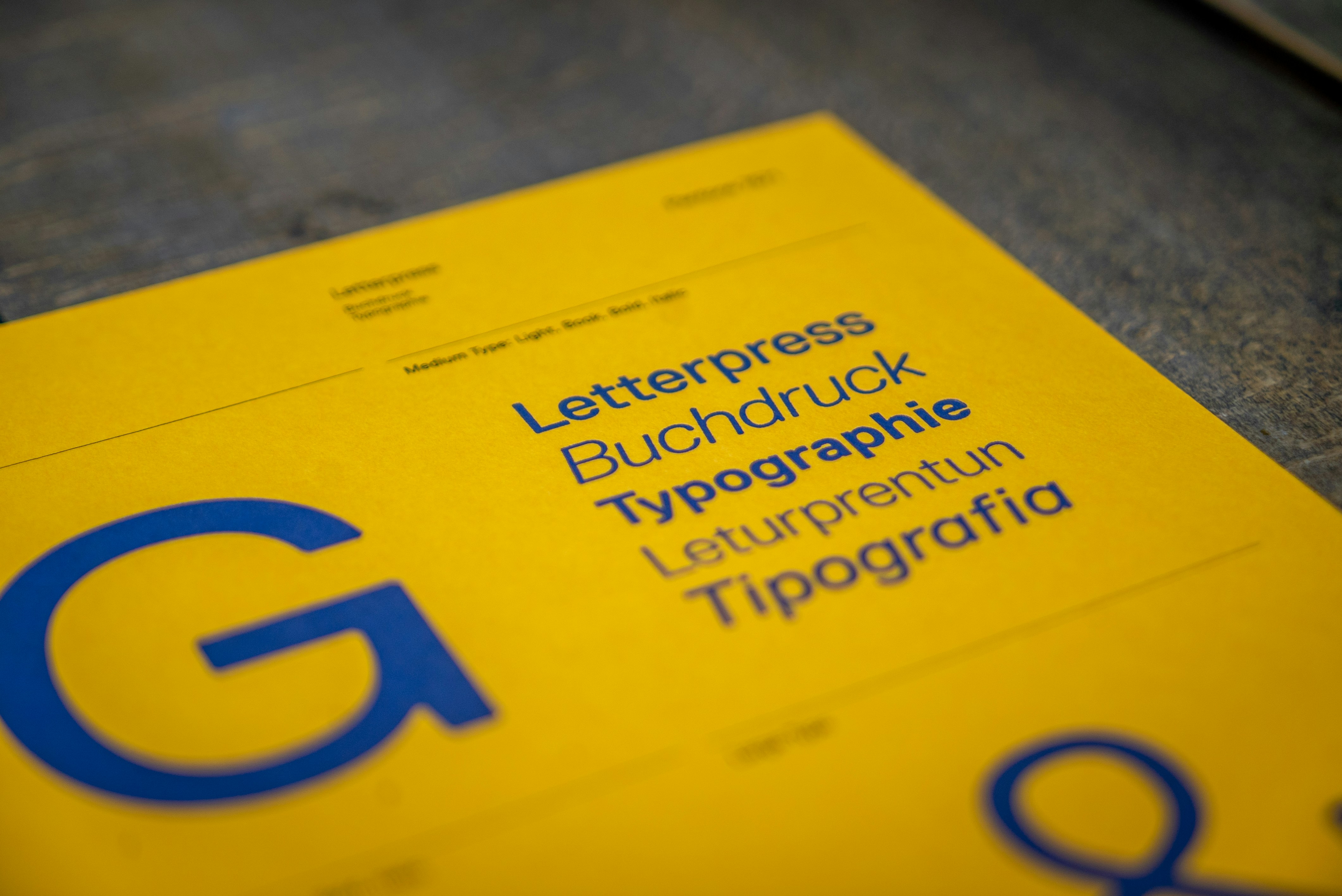
After reviewing almost every use case, eliminated extra fonts and defined a clear typographic pattern.
Each type style was mapped to specific use cases (e.g., headings, subheadings, body text, labels, numerics, CTAs).
The final type scale was validated on the most important screens to ensure it held up across contexts.
Icon library ✍🏻
Icons were organized with filled and outlined variants.
Each icon was given a precise name (with alternate names in brackets) to ensure shared understanding across the team.

Component library ⏯️
Designed components with precise, easily understandable names, accessible to everyone across the team.
Each component includes its name, use case, and minimum required padding.

Usability study findings 🧪
Internal user feedback was positive.
A comparison view showed a clear before/after:
The "before" state required manually picking colors from scratch per file;
The "after" state shows a structured, searchable component and style library available directly from the assets panel.
Business "impact"
Saves time
Created a unified design language that increases designer efficiency; UIs and flows can now be constructed quickly using consistent, pre-made, editable, and flexible components.
Fewer design reviews
Clear handovers result in less back-and-forth between designers and developers.
Better collaboration
Everyone now works from the same library, enabling consensus and consistency across teams.
My "Learnings"
Interested in
working together?
Let's bring your vision to life
Get in contact with me